
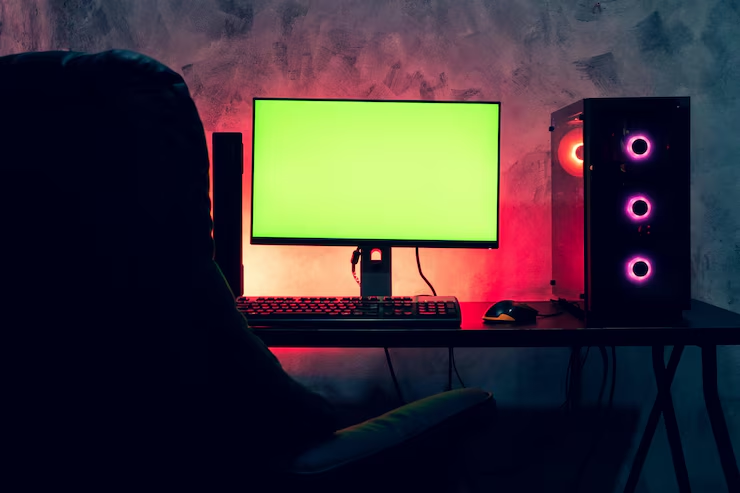
Choosing a Gaming PC for Beginners: Basic Information
To experience the best in the gaming world, a powerful computer is essential. However, for those choosing a gaming PC for the first time, it can be difficult to understand which features are important. This guide will help you make the right choice when selecting a basic gaming PC for beginners.
Aspects to Consider When Choosing a Gaming PC
The performance of a gaming PC depends on its core components and their quality. The processor, RAM, internal storage, and graphics card are elements that directly influence the smoothness and visual appearance of games. A correct choice can maximize the gaming experience.
The Processor
The processor is the main component for distributing power and energy during gaming. The number of cores and the processor speed significantly affect the computer’s performance. Currently, for most games, processors with at least four cores are recommended.
Processors from AMD and Intel are the most popular. Intel’s i5, i7, and i9 series offer excellent gaming performance; while AMD Ryzen 5 and Ryzen 7 series are very good options in terms of price/performance ratio. AMD Ryzen and Intel Core processors can provide smooth performance even in games with high requirements.
If you prefer games with intense graphics and high performance, it is important to choose a more powerful processor. For mid-level games, a mid-range processor may be sufficient; however, for high-level games, a more powerful processor is necessary.
RAM
RAM is an essential factor for improving the operation and speed of the computer during gaming. For today’s games, at least 8 GB of RAM is recommended, but for a smooth experience, 16 GB or more is ideal. For complex games, 32 GB of RAM might be necessary.
RAM capacity is not the only important aspect; RAM speed also plays a crucial role. Speeds of 3000 MHz or higher accelerate data transfer and improve gaming performance. Using dual-channel RAM optimizes data transfer, reducing freezes and delays during games. Choosing a balanced RAM in terms of capacity and speed significantly influences gaming performance.
Internal Storage and Graphics Card
One of the most important components of a gaming PC is the graphics card. The graphics card directly influences graphic details and elevates the gaming experience to a higher level. Graphics cards with high VRAM capacity offer excellent performance in games with complex graphics. A graphics card with at least 4 GB VRAM may be sufficient at the start, but for higher demands, 6 GB or 8 GB VRAM is recommended.
The two main brands of graphics cards are NVIDIA and AMD. NVIDIA GeForce GTX and RTX series offer superior performance and quality. The RTX series, with support for ray tracing, provides an innovative graphic experience. The AMD Radeon RX series stands out for its excellent balance between price and performance.
Regarding storage, using both SSD and HDD is important. An SSD (Solid State Drive) allows fast loading of games and programs. For a basic gaming PC, at least 256 GB SSD is recommended. Additionally, a 1 TB or larger HDD offers ample space for game files and other media content. The combined use of SSD and HDD is an ideal solution for speed and storage.
Cooling System and Power Supply
A gaming PC generates a lot of heat due to intensive applications. Therefore, the cooling system is essential for the stable operation of the computer. Air cooling systems are usually sufficient, but users who play intense games may opt for liquid cooling systems.
The power supply unit (PSU) is another important aspect. High-performance games require more energy; therefore, a power supply with sufficient capacity is essential. The power supply must be compatible with all PC components.
Choosing the Monitor
Not only hardware components, but also the monitor influences the gaming experience. Resolution, refresh rate, and response time are important features for gaming monitors. A 1080p resolution is sufficient for most users; however, for higher demands, 1440p or 4K monitors are preferable.
The refresh rate indicates how many times the monitor can update the image per second. 60 Hz monitors are sufficient for most users; however, 144 Hz or 240 Hz monitors offer a smoother and clearer experience. Response time represents how quickly the monitor responds to user commands. A response time of 1 ms or 5 ms is ideal for gaming monitors.
Choosing a gaming PC is essential for an excellent gaming experience. Evaluating components such as the processor, RAM, graphics card, internal storage, and monitor will help you find the gaming PC that suits your needs. The information in this guide will help you make the right choice and experience an amazing journey in the gaming world.
If you want to select the right components for your gaming PC or learn more about second-hand parts, visit cumparamsecondhand.ro for detailed information.

