
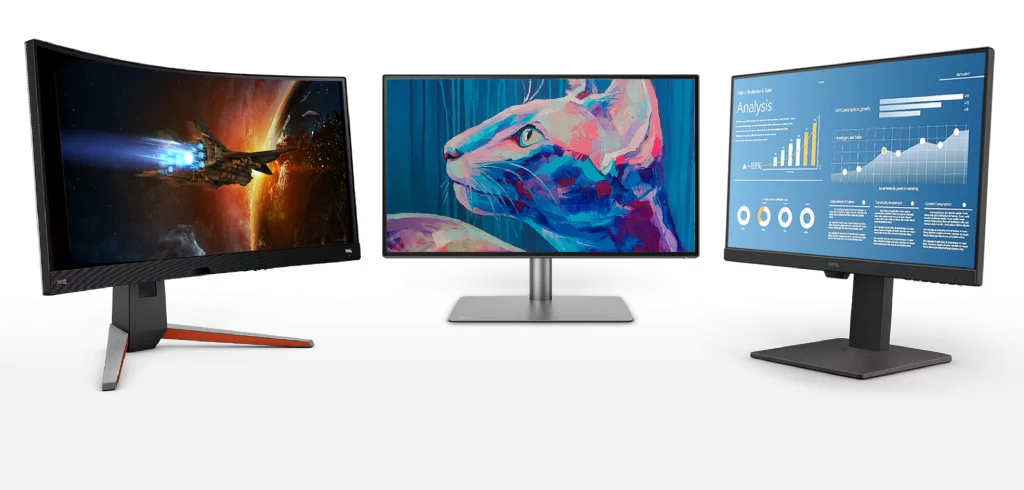
In today’s digital world, choosing the right monitor is very important. The refresh rate of a monitor directly influences the experience you will have while gaming or watching videos. In this article, we will discuss how you can find out how many Hz your monitor has and the importance of the refresh rate.
What does Hz mean?
Hz (Hertz) is a unit of measurement that indicates the number of cycles per second. It is widely used in electronics, display technologies, and audio systems. For monitors, Hz indicates how many times per second the screen refreshes. For example, a 60 Hz monitor refreshes 60 times per second. Higher Hz values provide smoother and clearer images.
Is the screen refresh rate important?
The screen refresh rate is especially important for the clarity and smoothness of fast-moving images. Monitors with a high refresh rate offer smoother and clearer images. This aspect is critical for gamers, graphic designers, and video editors. A low refresh rate can cause flickering and blurriness in the image, which can lead to eye strain. A high refresh rate reduces motion blur and provides better response time.
Methods to find out the screen refresh rate
There are several different methods to find out your monitor’s refresh rate:
- Monitor settings:
- Right-click on your computer desktop and select “Display settings”.
- Go to “Advanced display settings”.
- Here you can see the refresh rate of the monitor. In Windows operating system, the “Refresh rate” option is found under the “Display” tab.
- Manufacturer information:
- Visit the manufacturer’s website using your monitor’s model number.
- The product specifications will include the refresh rate. You can also check the label on the back of the monitor or its box for this information.
- Third-party software:
- You can use various third-party programs to detect the monitor’s refresh rate. These programs display hardware details. Popular programs include “Speccy” and “AIDA64”.
- User manual:
- The monitor’s user manual also contains information about the refresh rate. This information is usually found in the technical specifications section. If you have lost the manual, you can download it digitally from the manufacturer’s website.
The effect of refresh rate on performance
The refresh rate makes a big difference in gaming performance and visual experience. For example, a 60 Hz monitor displays 60 frames per second (fps), while a 144 Hz monitor can display 144 frames per second. This makes movements in games smoother and clearer. High refresh rates provide an advantage in competitive gaming and help you react faster on screen.
Ways to increase the refresh rate
There are a few methods to increase the default refresh rate of the monitor:
- Graphics card settings:
- You can increase the refresh rate by accessing the graphics card control panel. For Nvidia, use the Nvidia Control Panel, and for AMD, use AMD Radeon Software.
- Overclocking:
- You can overclock the monitor to increase the refresh rate. This procedure should be done carefully as it can shorten the monitor’s lifespan or cause damage.
The refresh rate of the monitor is essential for visual experience and performance. Hz is one of the key factors that determine the monitor’s performance. Using the methods above, you can easily find out the refresh rate of your monitor. Choosing the right monitor provides a better long-term experience and protects eye health.
For more information and details about second-hand monitors, visit https://cumparamsecondhand.com/. We hope we have helped you find the correct information.

