

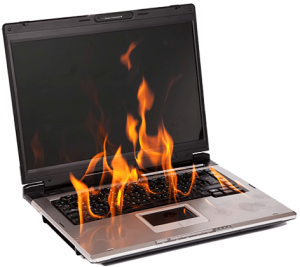
Laptops have become a part of our daily lives. Overheating is a common and frustrating problem many of us face while using a laptop. You can feel that the computer’s performance seriously decreases as a result of overheating. Processor throttling, problems such as slow execution of desired operations, automatic shutdown of the computer, etc. are caused by laptop overheating.
How do I find solutions for laptop overheating?
It is possible to find solutions for laptop overheating by applying some simple measures. It is important to correctly identify the problem and apply the appropriate treatment method.
Just like desktop computers, laptops have a fan system that cools the processor. This fan is a system developed to keep the processor cool and prevent damage caused by overheating due to prolonged operation. The first step to solve the laptop overheating problem is to check whether the fan has lost its function due to dust or dirt accumulation. Frequent cleaning of the fan will eliminate the overheating problem.
 If cleaning the fan is not enough, using an external cooler for the laptop can be helpful. Laptop coolers, which serve as a platform under the laptop, work by drawing power from a USB device and provide additional cooling under the laptop. These fans can be single or multiple.
Give up the habit of watching movies on the bed
Another reason for laptop overheating is blocking the fan vents. The laptop should always be used on hard surfaces such as a table. If placed on blankets, pillows, or other soft surfaces, the fan vents will be blocked and the fan will not be able to operate. Naturally, the laptop will overheat. Using a laptop in the bedroom is a common mistake in this regard. However, if you still want to use the laptop in such environments, you can place a hard object, such as a piece of wood or plastic, under the laptop to allow the fan to function.
The most important component of the computer is the processor. Replacing the processor can often be more expensive than buying a new laptop. Therefore, manufacturers develop ventilation systems to protect the processor. To avoid unpleasant results, it is essential to pay maximum attention to processor maintenance, especially cleaning and maintaining the fan. You can even clean the laptop fan with a vacuum cleaner.

